
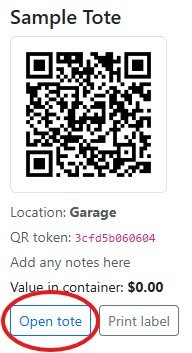
Select your tote by clicking Open Tote:
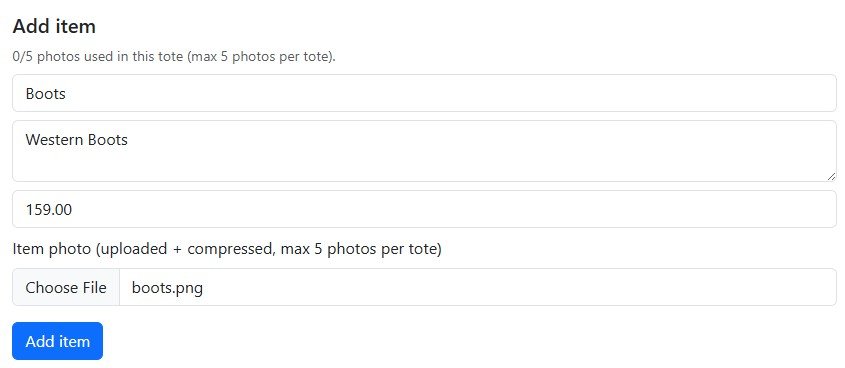
In the Add Item area Enter the Item, any notes, cost of the item and a photo then click Add Item:
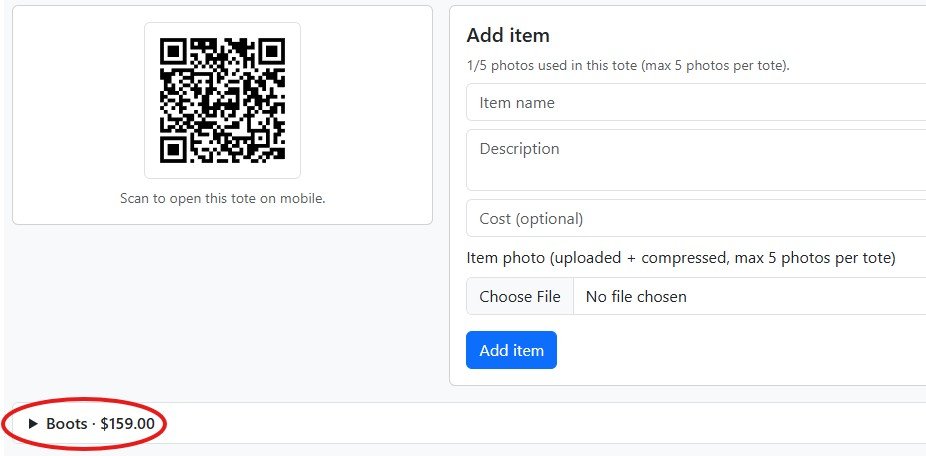
Once the item is added it will appear under the Add item area collapsed, click the arrow to expand:
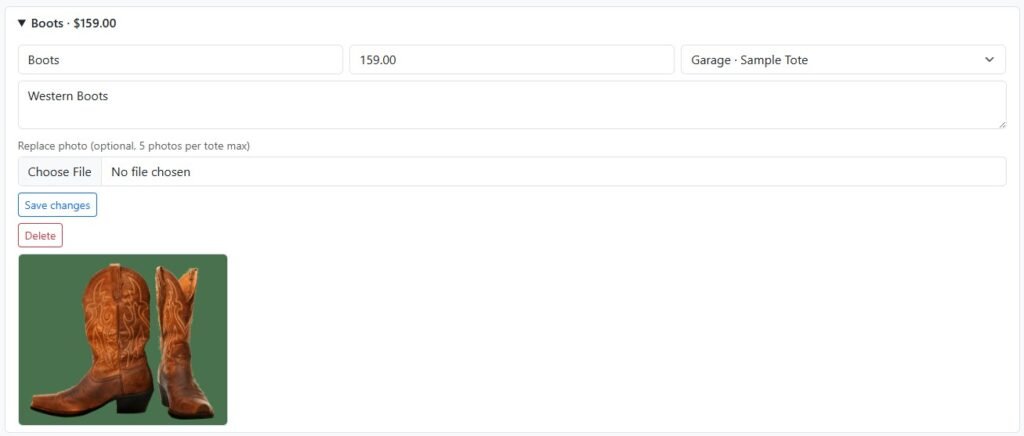
Once the arrow is clicked the item info is presented. From this point you can also make any changes and click Save Changes”
Congrats! You have your first item added to a tote!