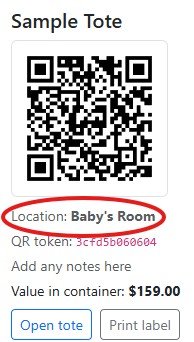
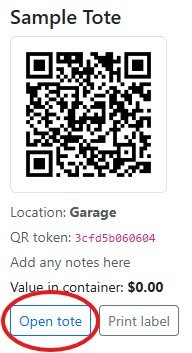
To move or update a tote location, go to your Dashboard and click Open Tote under the Tote you want to modify:
Once open, you can select a pre-built location in the dropdown or select CUSTOM the fill in the CUSTOM area. When finished click Update Location.

In this case we moved from Garage to the Custom Location “Baby’s Room”

When you go back to your Dashboard you will see the Tote is in your newly created location (or the pre-built location you selected)